
















How to Use cURL With a Proxy: Verify the Route, TLS, and Result
Configure cURL with an HTTP, HTTPS or SOCKS proxy, then verify routing, TLS, DNS, authentication and destination content with a layered test.
 Written byNora



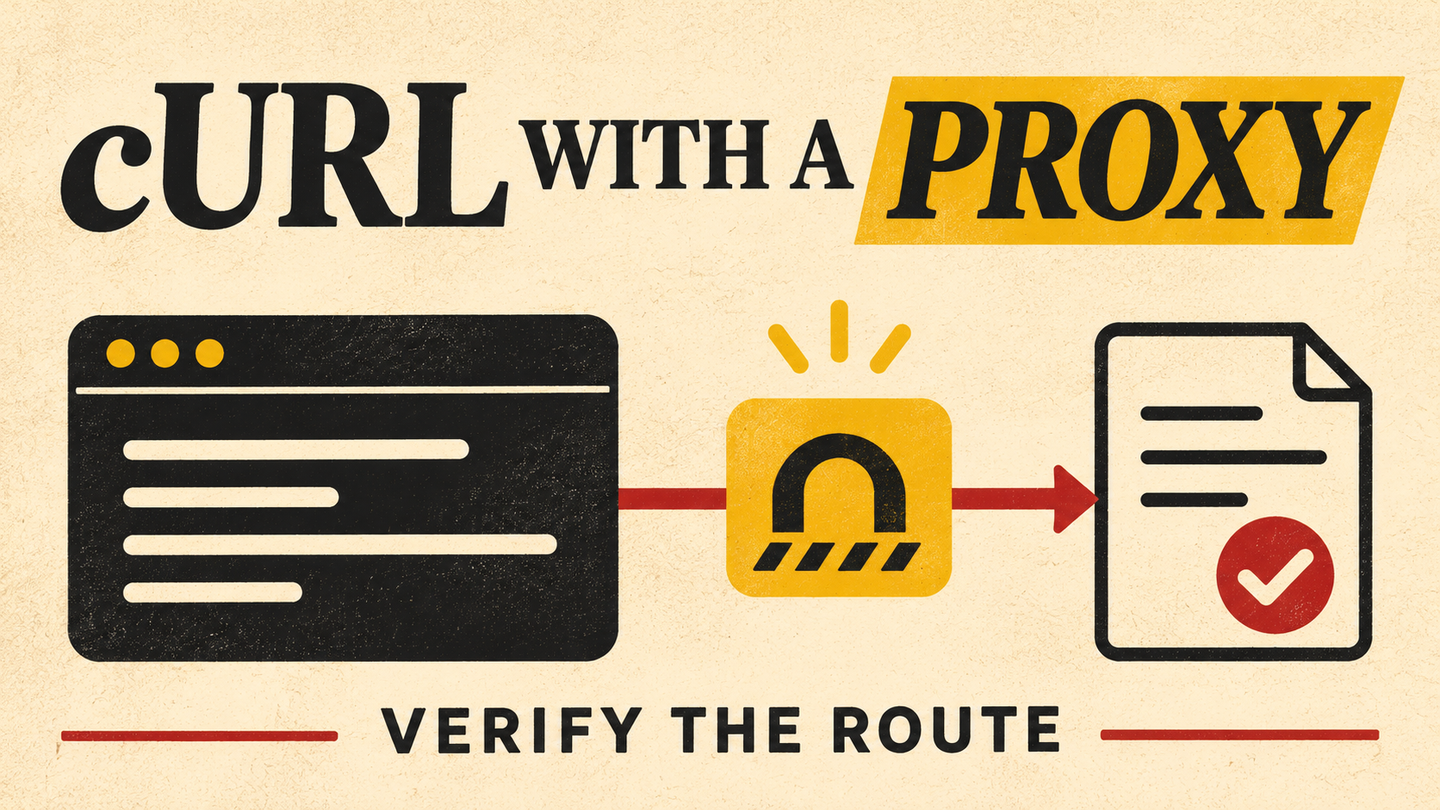
curl --proxy is a useful first test for a new proxy configuration, but a successful command does not prove that the exit market is correct or that the destination returned usable content. The request crosses several boundaries: local configuration, proxy connection, proxy authentication, a possible HTTPS CONNECT tunnel, destination TLS, and the application response. This guide uses the official curl proxy documentation to separate those stages and build a repeatable, authorized check.
1. Start with the endpoint and the question you need answered
Obtain the proxy host, port, protocol, credential or IP-allowlist method, and location or session settings from your provider dashboard. Do not invent a host pattern from a blog example. Decide whether your first question is “Can my machine reach the proxy?”, “Which exit IP and market did it use?”, or “Did this source return a valid record?” Those are three different tests. Record the target URL, intended market, time, and expected page field before running them.
Arcvenza Residential Proxies expose rotating or persistent household-network routes and location controls subject to coverage. Arcvenza ISP Proxies offer stable endpoints for repeated checks. Confirm the current account settings before placing either in a shell command. Use only sources and accounts you are allowed to access; a proxy does not confer permission to request restricted content.
2. Make one explicit proxy request
The official `--proxy` option accepts a proxy URL such as http://host:port, https://host:port, or socks5h://host:port. If the scheme is omitted, curl treats it as an HTTP proxy. The POSIX shell example below intentionally reads the real endpoint from the environment, sends a request to a harmless example domain, and prints a small transport summary. It does not include a real Arcvenza hostname or password.
: "${PROXY_SERVER:?Set PROXY_SERVER to the endpoint from your account}"
curl --proxy "$PROXY_SERVER" \
  --connect-timeout 10 --max-time 30 \
  --silent --show-error --output /dev/null \
  --write-out 'http=%{http_code} connect_s=%{time_connect} total_s=%{time_total}\n' \
  'https://example.com/'
Run a direct control request to the same target at the same time, then test an IP echo endpoint you operate or are approved to use. The curl summary shows whether an HTTP response arrived and how long the transfer took; it does not itself identify the proxy's public exit IP. time_connect can reflect the connection to the proxy, so do not treat it as the destination's full latency. For a production check, validate an expected page element or data field rather than accepting any HTTP 200.
3. Understand authentication and the HTTPS tunnel
An HTTP proxy may require credentials or an allowed source IP. Curl's `--proxy-user` can provide proxy credentials, but the curl manual warns that command-line secrets can briefly appear in process listings; shell history and debug logs create further exposure. Use the method approved for your account, load secrets through a controlled mechanism, and avoid pasting user:password@host into shared scripts. If the proxy returns 407 Proxy Authentication Required, inspect the proxy credential mode and source allowlist, not the destination account. RFC 9110 defines 407.
When the destination URL is HTTPS and the proxy speaks HTTP, curl normally establishes a CONNECT tunnel and then negotiates TLS with the destination through that tunnel. An https:// proxy URL adds TLS on the client-to-proxy hop; it is a separate connection from the TLS session to the destination. Curl documents both the HTTP proxy tunnel and separate trust controls for HTTPS proxies. Do not “fix” a certificate failure by turning off verification with --insecure or --proxy-insecure; investigate which hop's certificate failed and configure a trusted CA if necessary.
4. Check DNS and environment overrides
For SOCKS5, socks5:// and socks5h:// are not interchangeable. The latter asks the proxy to resolve the target hostname, as the curl manual explains. If the measurement depends on DNS location or local DNS privacy, record which mode you used. Do not assume a SOCKS route automatically moves every DNS lookup to the remote network.
Curl can also pick up http_proxy, https_proxy, ALL_PROXY, and NO_PROXY from the environment. A NO_PROXY match can bypass a configured route for a target, making a “proxy test” accidentally direct. The official proxy environment variable guide explains precedence and notes that http_proxy is lowercase-only for security reasons. Inspect those variables, the effective proxy option, and any local curl configuration before comparing two routes. Keep a sanitized command record; avoid verbose logs that expose tokens, cookies or credentials.
5. Triage the layer that failed
One failure category should lead to one specific check. A connection refusal is not evidence that the target blocked the exit IP; a 200 response containing a challenge page is not a valid extraction. Keep transport status, destination status, target content check, exit market, and timing as separate fields.
| Observation | Likely layer | First check |
|---|---|---|
| Cannot connect to proxy | Local route or endpoint | Verify scheme, host, port, account and firewall path |
| Proxy returns 407 | Proxy authentication | Verify allowlist or credentials without logging secrets |
| TLS certificate error | Proxy or destination TLS | Identify the failing hop and trusted CA; keep verification on |
| Destination returns 403 or 429 | Source access policy or rate limit | Review permission and load; honor Retry-After if sent |
| HTTP 200 but wrong country | Route or site settings | Verify exit market, language, cookies and site filters |
| HTTP 200 but wrong content | Application or parser | Reject the result and inspect a permitted sample |
RFC 6585 defines 429 Too Many Requests and allows a Retry-After hint. Slow down or stop when the source signals pressure. Changing IPs at the same request rate does not repair a permission problem or a broken extractor.
6. Turn the smoke test into a reproducible pilot
For each route under consideration, run a small set of permitted targets at matched times. Hold target URLs, client version, headers, timeout, content acceptance rules, and sampling cadence constant. Confirm the observed exit market using a controlled endpoint, then classify each destination result as accepted, wrong market, challenge, source error, or transport error. Calculate accepted-result yield, p95 end-to-end time, transferred bytes and cost per accepted result, with the denominator visible.
The decision is conditional: use a residential route when a covered household-market observation is the question; use a stable ISP endpoint when repeated checks need a consistent egress. Respect the source's terms and robots rules. The point of cURL is to make each network stage observable before a larger browser or scraper workflow inherits an untested assumption.
Official Standards & Technical Documentation
curl — --proxy option and supported schemes
everything curl — HTTP proxy and CONNECT tunneling
everything curl — Proxy environment variables and NO_PROXY
curl — --proxy-user and credential handling
IETF — HTTP 407 Proxy Authentication Required (RFC 9110)
IETF — HTTP 429 Too Many Requests (RFC 6585)
Arcvenza — Residential Proxies product details