


















Check DNS AAAA records and the IPv6 service behind them
Understand DNS AAAA records and test IPv6 separately from IPv4. Compare answers, inspect a dual-stack failure, and verify the service behind the address.
 Written byYiyao

AAAA is the IPv6 address record
A DNS AAAA record maps a hostname to an IPv6 address. The name can also have an A record for IPv4. Publishing both supports address discovery for both families, but each network path and service configuration still needs to work.
Treat a successful lookup as one step in validation. A client may receive an IPv6 address and still fail to connect because routing, firewall rules, the server listener, or the application is not ready for IPv6. Do not diagnose that situation only by looking at the IPv4 path.
Compare equivalent queries
nslookup -type=A example.com
nslookup -type=AAAA example.com
Use the same hostname and resolver for the first comparison. Open NSLookup for an independent public comparison, then compare the returned values. The values have different address formats because they serve different protocol families. An IPv6 address is not obtained by adding text to an IPv4 address or copying an A record into a different type.
In a public browser lookup, choose AAAA explicitly. An empty AAAA answer can simply mean the name has no IPv6 address record. Check the DNS status before calling it NXDOMAIN; absence of one type and absence of the name are different results.
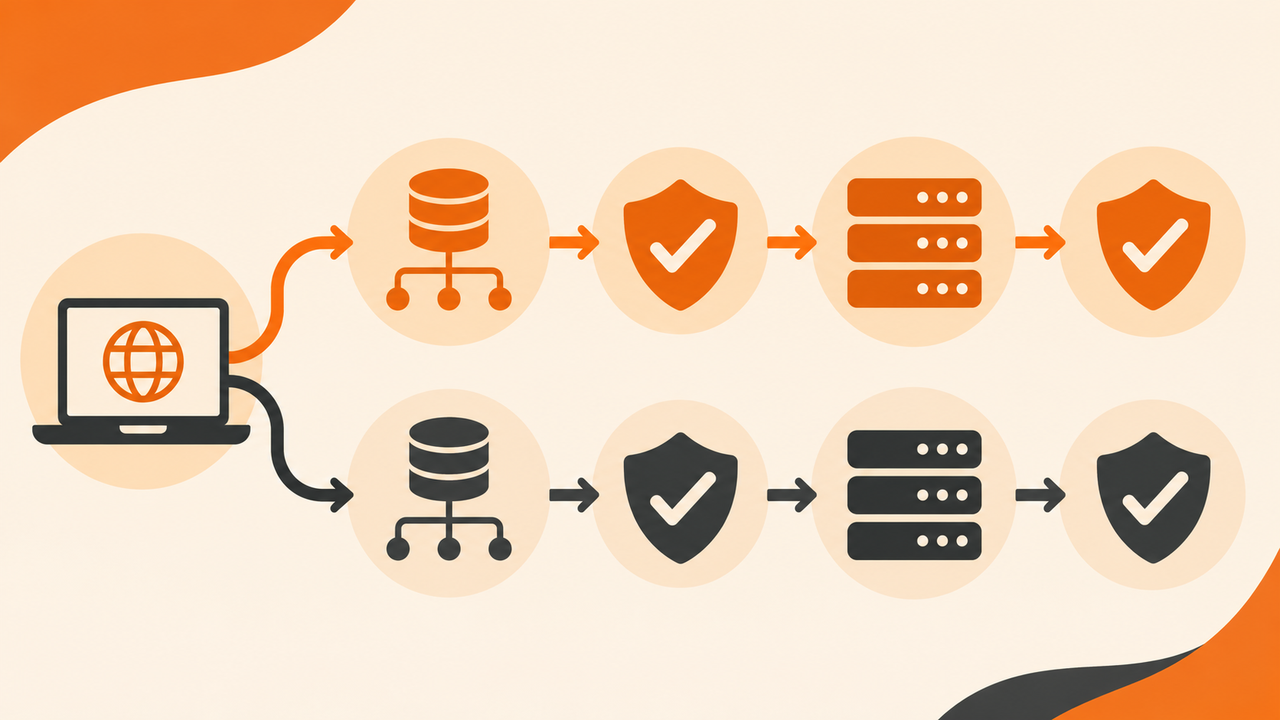
Keep the dual-stack test matrix visible
| Layer | IPv4 check | IPv6 check |
|---|---|---|
| DNS | A answer for the hostname | AAAA answer for the same hostname |
| Network | Route to the IPv4 destination | IPv6 connectivity and route |
| Transport | Service port reachable | Same service available over IPv6 |
| TLS and HTTP | Valid hostname and expected response | Same certificate identity and intended content |
Use a test environment with functioning IPv6 before drawing a conclusion about a remote service. A workstation without an IPv6 route cannot establish whether the destination works for users who do have one. Record the client environment with every failure.
Inspect the actual service, not just the record
curl -4 --head --connect-timeout 10 --max-time 20 https://example.com/
curl -6 --head --connect-timeout 10 --max-time 20 https://example.com/
These read-only examples request headers from a public demonstration site. On Windows PowerShell, use curl.exe if curl resolves to another command. The -6 attempt requires local IPv6 connectivity; failure there alone does not prove the public site is broken.
For your own service, inspect the TLS error, HTTP status, and expected content using the actual hostname. HEAD can behave differently from GET on some applications, so follow with an authorized ordinary page request when the header result is inconclusive.
Work through a dual-stack failure
Consider an illustrative service with an A record pointing to a working IPv4 deployment and an AAAA record pointing to an unprepared IPv6 endpoint. A DNS tool returns both records successfully, while a client attempting IPv6 encounters a timeout. The record lookup passes, but service readiness does not.
The next step is to verify IPv6 routing, the intended address, firewall scope, listener, and application configuration with the service owner. Decide whether to complete the IPv6 deployment or withdraw an incorrect record through the approved change process. Do not disable IPv6 on every visitor's device as a substitute for fixing the service.
Review changes across caches and regions
Compare authoritative and recursive answers after a record update. Preserve TTL and the test time. A stale cached AAAA answer may continue directing some clients toward the previous destination until its lifetime expires.
Keep a rollback record and test at least the environment that originally failed. A public lookup from Arcvenza's server gives an independent DNS view; it cannot certify the connectivity of a user's local IPv6 network. The Internet Protocol guide explains where address discovery ends and packet delivery begins.
FAQ and next action
Does every site need an AAAA record immediately? Publish one when the intended IPv6 service is ready and tested. The record should describe a working destination.
Can the same hostname have A and AAAA records? Yes. Use the DNS A record guide for the IPv4 side, then query each explicitly and validate both service paths. Open NSLookup, choose AAAA, and keep the response type and status in your test record.
Technical references
RFC 3596: IPv6 DNS records · Microsoft: nslookup
RFC 3596: IPv6 DNS records · Microsoft: nslookup