


















Mobile vs. Residential Proxies: Choose the Right Network Route
Compare mobile-carrier and household residential proxy routes by location controls, session design, device context and accepted-result cost.
 Written byNora



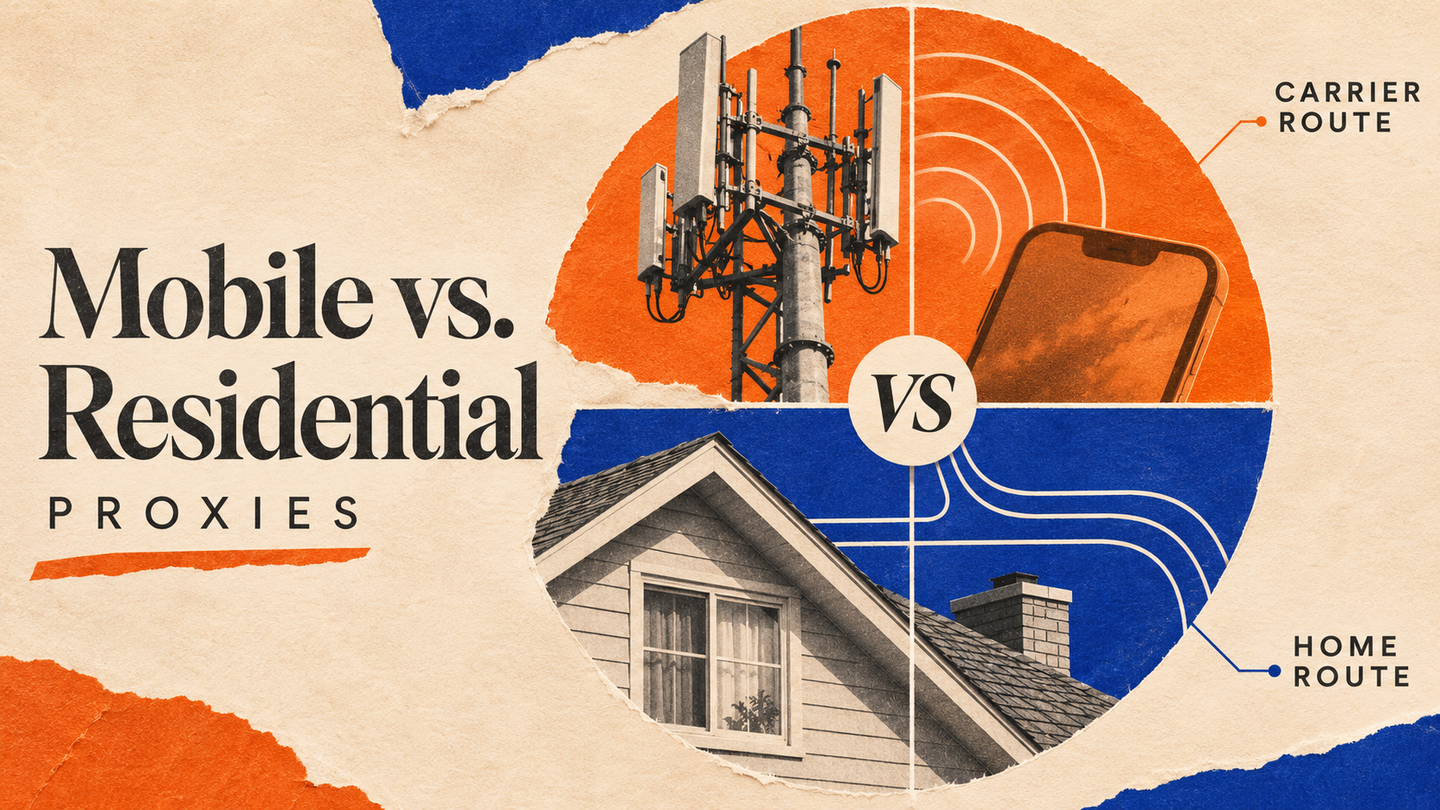
A mobile proxy and a residential proxy can both present a consumer-network IP to a website, but they answer different testing questions. A mobile proxy exits through a cellular-carrier network; a residential proxy exits through a household broadband connection. That distinction affects which market you can observe, how you hold a session, and how confidently you can interpret a result. It does not make one type universally “safer” or guarantee access to a target. This guide sets out a decision method for permitted research and quality assurance.
1. First separate network route from device behavior
An egress IP is only one part of a request. A site may also use account state, cookies, browser features, request frequency, language, and application context. Routing a desktop browser through a carrier IP does not turn it into a smartphone or a mobile app. Conversely, resizing a browser to a phone viewport leaves its network route unchanged. Chrome DevTools Device Mode explicitly frames device simulation as an approximation; use a real device when hardware, radio, app, or operating-system behavior matters.
This separation prevents a common false conclusion. If a mobile site differs from a desktop site, test the viewport and browser separately from the proxy class. If the question is whether a cellular customer in a selected city or country sees a different public page, keep the browser context constant and change only the network route. A proxy is a controlled observation point, not a replacement for a full device test.
2. Compare the route you can actually buy and control
Arcvenza Mobile Proxies provide carrier-network routes with country-level and, where current mobile-network inventory permits, city-level targeting, plus rotating or persistent sessions. Arcvenza Residential Proxies provide household-network routes with country, state, and city targeting where covered. Both product pages describe HTTP(S) and SOCKS5 support. Confirm current coverage and commercial terms for the intended market before designing a large study; neither product name guarantees that a particular city or carrier is available. Verify the observed exit IP and returned page when city precision matters.
| Decision factor | Mobile route | Residential route | Practical consequence |
|---|---|---|---|
| Network origin | Cellular carrier | Household broadband | Test the network context relevant to the question |
| Location control | Country; city where mobile inventory supports it | Country; state or city where covered | Validate the exact target city and observed exit before launch |
| Session choice | Rotating or persistent | Rotating or persistent | Hold a session for a multi-step observation |
| Device simulation | None by itself | None by itself | Control viewport and browser separately |
| Best first hypothesis | Carrier-network experience matters | Household or local-market experience matters | Choose by evidence need, not a blanket success claim |
The table describes route design, not a promise about response rate. A website can apply different policies to different IPs, accounts, and request patterns. Recheck capabilities and prices at the point of purchase.
3. Match the proxy to the observation question
Use a mobile route when the network context itself is part of the experiment: for example, checking a public mobile landing page or a carrier-market variation from a specified country or supported city. Record the intended and observed location, carrier route, time, target URL, language, viewport, and whether the session was persistent. If you need to compare two carriers, first verify that the offer supports the required carrier choice; city targeting does not by itself imply carrier selection.
Use a residential route when the question depends on a household user's local web view. Confirm the requested state or city is covered, just as you would verify city availability for a mobile route. Typical permitted studies include localized product content, public search results, and regional availability checks. For a repeated baseline, a persistent session can reduce route changes during one measurement window. For broader sampling, rotation may improve coverage of independent observations, but it also adds variability that must be logged.
Neither route confers access rights or fixes a site restriction. If the content is behind a login, paywall, or access agreement, use the authorized path. Treat an HTTP 403 or 429 as a signal to review permission, workload, and rate controls, not as an instruction to cycle through more IPs. RFC 6585 defines 429 for excess requests and allows a Retry-After hint.
4. Keep sessions, identity, and geography distinct
The IP observed by a website need not identify a single person or handset. Carrier networks can use shared address space and address translation; RFC 6598 defines IPv4 space for carrier-grade NAT. A “mobile IP” is therefore evidence about an egress route, not proof of unique-device identity or trust. Residential IPs likewise do not establish a person's identity or the condition of an account.
For a multi-page journey, hold the same route and cookie jar long enough to complete the legitimate task. Changing IP mid-session can make a comparison uninterpretable because authentication state and location may change together. For independent observations, open fresh sessions and record the route, geolocation assertion, browser profile, and timestamp. Avoid assuming that IP geolocation precisely matches physical position; verify the market with the page's own visible locale or offer details when possible.
5. Run a paired pilot before scaling
Select a small set of permitted public targets and market-time windows. Build paired runs: same URL, browser version, viewport, language, timeout, and sampling cadence; change only the proxy route. In a second experiment, if needed, change the viewport while holding the route fixed. This design makes a difference more attributable to the tested factor. Limit concurrency, honor source terms and robots.txt, and slow down or stop when the site signals rate pressure.
Track accepted-result yield, not raw HTTP 200s. An accepted result should have the expected market and, when specified, city, a complete key field, and a timestamp within your freshness window. Also record p95 end-to-end latency, challenge or error rates, transferred bytes, and cost per accepted result. Review sample pages manually because a fast response from the wrong country or city, stale content, or an interstitial is not a successful measurement. A pilot can show a useful route in your conditions; it cannot establish universal superiority.
6. Make a documented route decision
Write the decision as a testable statement: “For this market and target set, the carrier route produced the needed public view at an acceptable accepted-result cost,” or the corresponding household-route finding. Include the sample size, period, target classes, failure definitions, and any coverage gaps. If the study mixes mobile and residential routes, label each observation so downstream analysts cannot accidentally merge different network contexts.
Choose mobile proxies when a cellular network is materially relevant. Choose residential proxies when household-network behavior is the point. Both can support city-level selection where their respective inventories allow it; test the requested city and observed result instead of assuming the same coverage. In either case, keep device testing and network testing separate, use authorized data, and expand only after a measured pilot supports the choice.
Official Standards & Technical Documentation
Arcvenza — Mobile Proxies product details
Arcvenza — Residential Proxies location and session controls
Google Chrome — Device Mode documentation
IETF — Shared address space for carrier-grade NAT (RFC 6598)