


















Use the nslookup command to answer a specific DNS question
Use nslookup to select a DNS record and resolver, read the answer, and compare results. Follow public-domain examples and distinguish lookup failures.
 Written byYiyao
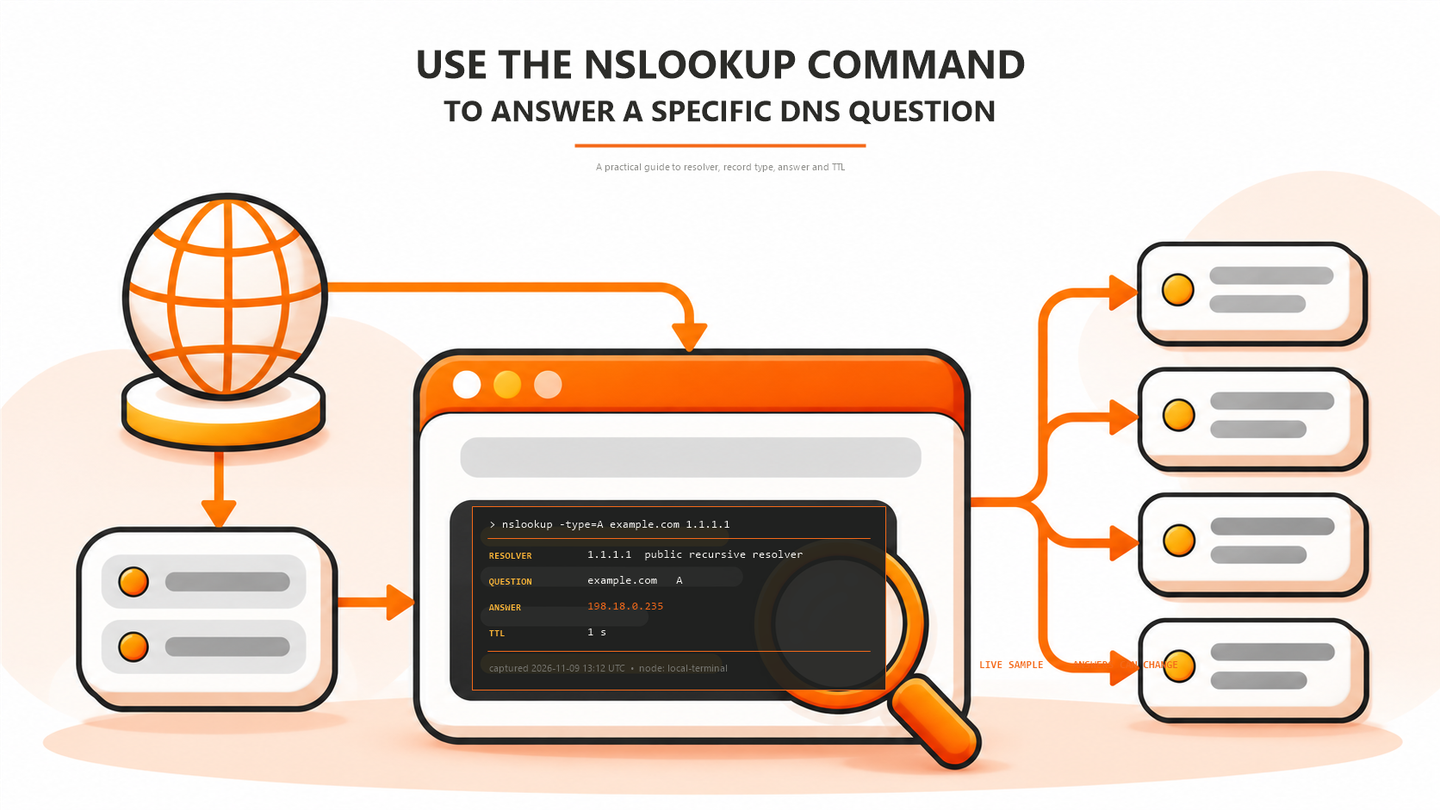
Choose the question before the command
Use nslookup when you need to ask a DNS server about a name or address. It can show an address record, an alias, a mail destination, or zone information. Decide which question you are answering before interpreting an empty result.
This walkthrough uses the public demonstration domain example.com. Its live answers can change. The objective is to understand the name, record type, responding server, and result, not to reproduce a permanent IP address. Keep internal names and customer information out of public lookup services.
Run one lookup with the default resolver
nslookup -type=A example.com
nslookup -type=AAAA example.com
Run each command in a terminal where nslookup is available. The first requests IPv4 addresses; the second requests IPv6 addresses. The Server and Address lines identify the DNS server that answered your query. The address in an answer section belongs to the queried name, so do not confuse these two roles.
A non-authoritative answer usually means the responding recursive server is providing information obtained through resolution or cache. It does not automatically mean the answer is wrong. Record the query and resolver together so another person can reproduce the same question.
Select a record type deliberately
| Question | Query | Inspect |
|---|---|---|
| IPv4 destination | nslookup -type=A example.com | One or more IPv4 answers |
| IPv6 destination | nslookup -type=AAAA example.com | IPv6 answer or absence of this type |
| Zone information | nslookup -type=SOA example.com | Primary server, serial and timing fields |
| Authoritative servers | nslookup -type=NS example.com | Names of the delegated servers |
When investigating an alias on your own domain, query its CNAME and then query the target's address records. A name can have an address without exposing a CNAME. The absence of that one record type is not enough to conclude that the domain is missing.
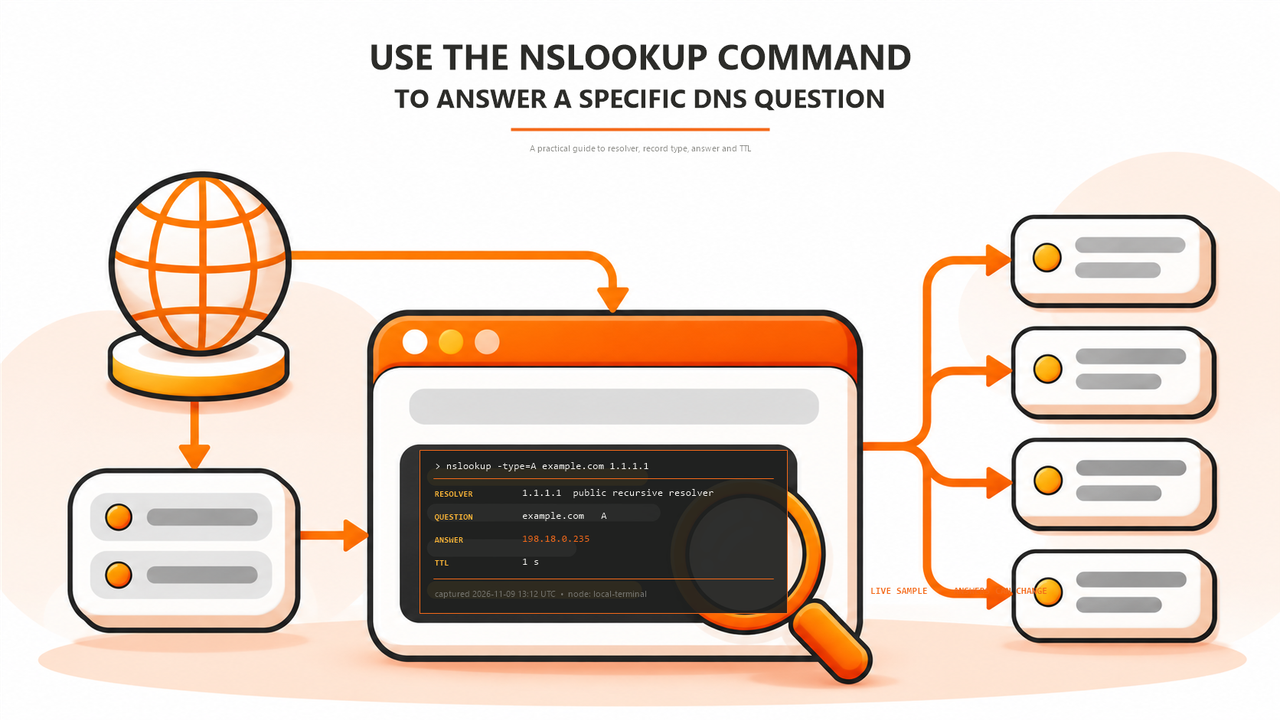
Compare another resolver without changing the device
nslookup -type=A example.com 1.1.1.1
The final argument directs this query to a specified server; it does not replace the DNS configuration of the whole computer. Use an alternative resolver only where your network policy permits it. Private corporate zones may be available only through the organization's resolver.
Compare the same exact name and record type. If one server returns a different result, inspect caching, split DNS, geographic response policy, and recent changes before declaring one answer incorrect. A timeout from an alternative resolver may reflect network restrictions rather than a missing domain.
Read failure states as different problems
| Observation | What it establishes | Next check |
|---|---|---|
| Timed out | No usable response arrived in the query window | Resolver reachability and network policy |
| Nonexistent domain | The DNS response reports a name error | Exact hostname, delegation and alias target |
| No records | The requested type was not returned | Other required types and authoritative data |
| Server failure | The resolver could not complete the query | Authoritative service, delegation or validation |
Save the full result before changing anything. A screenshot that contains only the final error omits the resolver and question. For escalation, include the name, type, resolver, time, and whether the same query succeeds from another permitted network.
Use the browser tool as an independent observation
Arcvenza's NSLookup runs from its server, not from your laptop. Choose the same name and record type, then select authoritative or recursive mode. Authoritative mode traces delegation; recursive mode can return cached records. The resolver selector applies to recursive mode.
Compare status, answer records, TTL, and the reported server. Use the timestamp and test-node information when recording results. A successful server-side lookup does not prove that a local VPN or resolver is functioning, but the difference can help narrow the fault.
FAQ and next action
Why does nslookup work when the browser fails? The browser may use another resolver or encounter a later connection, TLS, or HTTP failure. Test the application after confirming DNS.
Does this command change a record? No. It queries DNS; editing records requires the appropriate DNS provider account. Open NSLookup for a public comparison, or use the NXDOMAIN guide when the response specifically reports a nonexistent name.