


















Diagnose NXDOMAIN without treating every DNS failure alike
Distinguish NXDOMAIN from missing records, SERVFAIL and timeouts. Check spelling, aliases, authoritative data and negative caching before changing DNS.
 Written byYiyao
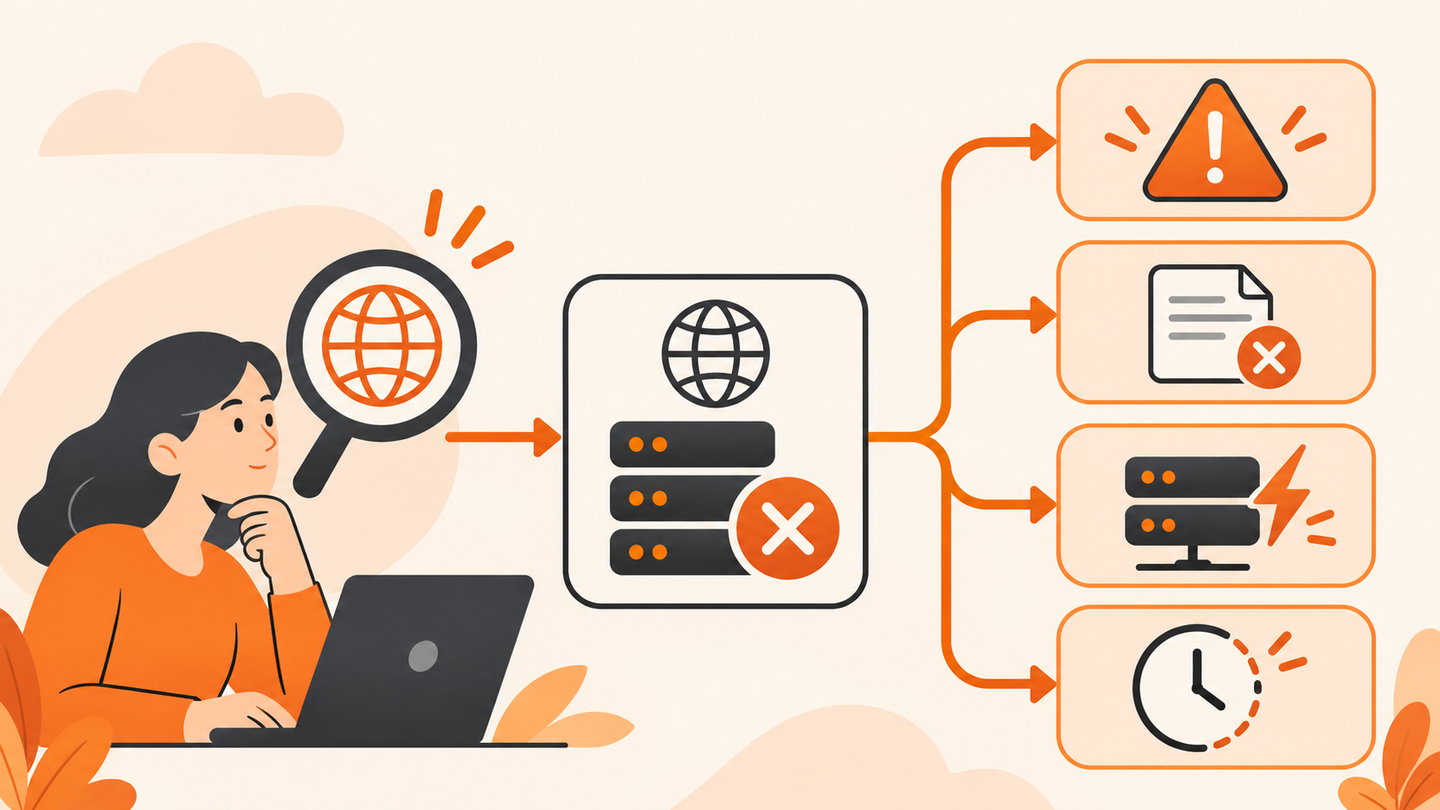
NXDOMAIN is a DNS name-error response
NXDOMAIN means a DNS response reports that the queried name does not exist. When an alias is involved, the missing name can be the target reached through the chain. Start with the exact hostname and response rather than assuming the entire registered domain has disappeared.
A browser error message is the starting symptom, not the complete diagnosis. Preserve the URL, then extract only its hostname for a DNS lookup. A misspelled subdomain, an internal-only name, or a retired alias can produce very different repair tasks.
Separate four outcomes
| Observation | Meaning to investigate | First action |
|---|---|---|
| NXDOMAIN | A queried name or alias target is reported absent | Check exact spelling and authoritative data |
| NOERROR without the requested type | The name may exist but that type is absent | Inspect required record types |
| SERVFAIL | The resolver could not complete processing | Check delegation, availability and validation |
| Timeout | No usable reply within the limit | Test resolver reachability and permitted network path |
Do not classify every empty answer as NXDOMAIN. The status and surrounding records matter. Negative answers may include SOA information used for caching; a positive-looking transport connection does not change the DNS response code.

Check spelling and the intended audience
Compare the failing hostname with the actual published link. Remove spaces and accidental punctuation, and check whether www or another subdomain is required. Do not alter the page path while testing a DNS-name problem; DNS does not receive that part of the URL.
If the name belongs to a workplace or private development environment, use the approved network and resolver. A public DNS tool may correctly report no public record for an internal service. Never submit sensitive internal hostnames to an external lookup merely to obtain a second opinion.
Compare recursive and authoritative evidence
nslookup -type=A example.com
For a public hostname, record the result from the affected device's normal resolver. Then use a permitted independent lookup and, where available, an authoritative trace. Compare the same exact name and type; otherwise the two tests answer different questions.
Arcvenza NSLookup can trace public delegation from its own test server. If the authoritative side has the intended record but one recursive resolver reports NXDOMAIN, note the resolver and time. If the authoritative side also reports absence, investigate the zone and exact owner name before clearing local caches.
Follow aliases and recent changes
Use a CNAME lookup when the name is an alias. A valid alias with a missing target can fail even though the first record is present in the control panel. Review recently removed services, renamed subdomains, and provider verification requirements with the authorized owner.
Negative caching means an earlier name-error response can remain available from a cache for a limited lifetime. RFC 2308 defines the negative-answer TTL using SOA information. Creating the record now does not instantly invalidate every resolver's previous negative answer.
For a closer reading of the SOA fields behind negative caching, see the SOA record guide.
Choose the smallest useful repair
In an illustrative incident, the authoritative record for notes.example.com is added after a typo was corrected, but one workstation still fails. Check its actual resolver and cache behavior. Flush the local resolver cache only if a local stale result is a plausible cause, then repeat the same request.
If authoritative data is still wrong, repair that record through the DNS owner. If only an internal service fails off-network, restore the approved access path. If many unrelated names time out, use the resolver-not-responding guide instead. Avoid changing registrar, firewall, DNS provider, and browser settings at once.
Verify and preserve the incident record
Completion requires the expected record for the exact hostname and a working application request from the originally affected environment. Store the before-and-after status, resolver, timestamp, and approved change. Do not count a successful public lookup alone as local recovery.
Should I keep retrying continuously? No. Respect caching and use a bounded recheck after a relevant change. If the issue remains, provide the precise evidence to the DNS or network owner rather than substituting an unrelated homepage.
Technical references
RFC 2308: Negative caching · Microsoft: nslookup
RFC 2308: Negative caching · Microsoft: nslookup