













Proxies for Ad Verification
A rigorous ad verification workflow: distinguish eligibility, observed creative delivery and viewability; control market and device conditions; preserve auditable evidence.
 Written byYiyao



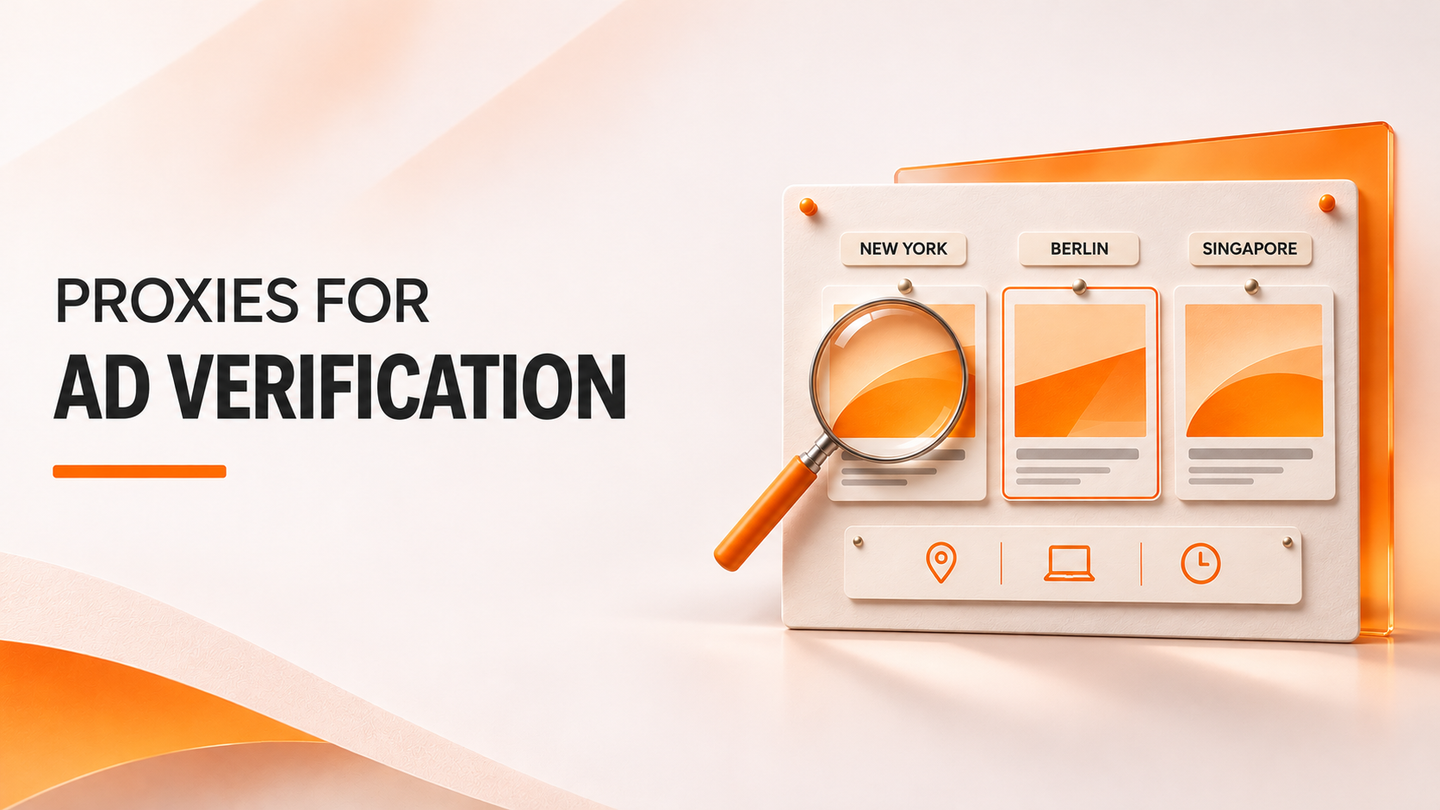
Ad verification asks a narrower question than “did the campaign work?” It checks whether a specified creative or placement was actually observed under a defined set of market, device and page conditions. A proxy can supply a local network vantage point for an authorized check. It cannot, by itself, establish ad eligibility, a measured viewable impression or invalid traffic. The useful output is an evidence trail that makes those boundaries clear.
1. Separate eligibility, delivery and measurement
Start with the campaign's intended conditions: creative or campaign ID, publisher or owned test page, placement, permitted market, device class, language and time window. Then separate three states. Eligibility means the ad platform considers a campaign able to enter the relevant opportunity. Observed delivery means an auditor saw a particular creative in a particular page or app session. Measurement covers impression counting, viewability and invalid-traffic assessment under their own methods. One state does not prove the others.
For Google Search ads in an advertiser account, use the official Ad Preview and Diagnosis guidance to investigate eligibility before making repeated live searches. Google says that tool can check the ad without affecting impressions and can explain why an ad is not appearing. A proxy-based observation is a complementary rendering check in a specified environment, not a replacement for the platform's campaign diagnostics.
The distinction is particularly important for geography. Google Ads explains that location targeting uses multiple signals and is a best-effort process, not a 100% accurate IP-only rule. An ad absent from one local snapshot may still be eligible; an ad present once does not establish delivery rates across the market. Record both the intended targeting settings and the observation conditions.
2. Design a controlled verification matrix
Define one test cell as campaign × placement × market × device × language × time window × session state. For each cell, record the proxy route type and requested region, the browser locale and viewport, whether cookies or consent state were reset, and the exact page or preview used. Keep a UTC timestamp. Change one factor at a time when investigating a discrepancy; otherwise an apparent regional difference may be a device, account or session difference.
Use a small control matrix first: one target market, one excluded or comparison market, desktop and mobile web where relevant, and fresh versus returning sessions only when the campaign requires that distinction. A mobile-sized browser on a residential IP is not a mobile-carrier network test. Conversely, a mobile-carrier route does not automatically emulate a handset. Playwright's emulation guide documents separate device, locale, timezone and geolocation settings. The proxy supplies the network exit; the test harness must specify the other conditions.
Sampling should match the question. A one-off screenshot is useful for a concrete creative mismatch. Claims about how often a creative appears require repeated, predefined observations with a denominator of valid test cells. Report the number of attempts, accepted observations and inconclusive cases. Do not treat a failed browser load or unverified market route as evidence that an ad was absent.
3. Choose a route by the evidence you need
Arcvenza Residential Proxies support location and session controls and are a candidate for independent web observations across available markets. Use a persistent session only when the same authorized page journey requires continuity; use separate sessions for independent samples. Confirm that the desired region is supported in the current account rather than assuming every city is available.
Arcvenza ISP Proxies provide assigned stable endpoints in available country markets. They suit repeated QA from a consistent network identity, such as checking the same owned placement after a creative revision. Arcvenza Mobile Proxies provide country-level mobile-network routes with rotating or persistent modes. Use them when the question genuinely concerns mobile-network access to a web experience; they are not a substitute for instrumenting an in-app ad SDK.
Compare these routes on accepted, correctly labeled observations rather than a generic “success rate.” Preserve the route ID or market label, but never put proxy credentials in an evidence package. Changing IPs until a blocked page responds can bias the sample and may breach access conditions. When a platform or publisher denies access, stop and review the authorized verification method.
4. Build an evidence chain, not a screenshot pile
An auditable record should connect the intended campaign configuration to the actual session, the observed creative or placement, and any platform-side measurement. Save the final page URL, timestamp, market and browser settings, creative identifier when exposed by an owned page, screenshot or approved capture, and a brief result classification. Keep original artifacts and a parser or test version. Avoid collecting user identifiers or cookies unless the test explicitly requires them and privacy controls permit it.
| Verification question | Minimum useful evidence | What that evidence does not prove |
|---|---|---|
| Was this creative rendered here? | Screenshot plus placement/creative ID from an owned page or approved tool | How often the ad served across the market |
| Was the intended market tested? | Requested route, browser settings, page market label, time | That IP alone controlled every targeting decision |
| Was the ad eligible to serve? | Advertiser-platform preview or diagnostic result | That it won an actual auction or rendered to users |
| Was the impression viewable? | Measurement-provider signals under the relevant standard | That a static screenshot satisfies viewability criteria |
| Was traffic invalid? | Dedicated verification signals and investigation | That a single IP or screenshot proves fraud |
The MRC viewable impression guidelines distinguish a served impression from a viewable one and consider screen area, focus and time. That document applies to desktop browser advertising; mobile and app environments require their applicable guidance. IAB Tech Lab's Open Measurement SDK enables standardized measurement signals for supported environments. A proxy screenshot is valuable evidence of appearance, but it is not a certified viewability or invalid-traffic measurement.
5. Run a reproducible check on an owned page
This Playwright example targets an owned or explicitly authorized test page whose ad slot exposes a data-creative-id attribute. It sets a supplied proxy at browser launch, fixes locale and viewport, checks the expected creative, and writes a screenshot and JSON evidence record. Read the endpoint and credentials from environment variables; do not paste account secrets into source code. The Playwright proxy and network documentation describes the configuration used here.
// Illustration for an owned or explicitly authorized test page only.
import { chromium } from 'playwright';
import { mkdir, writeFile } from 'node:fs/promises';

const required = [
  'TEST_PAGE_URL', 'AD_SLOT_SELECTOR', 'EXPECTED_CREATIVE_ID',
  'MARKET_LABEL', 'PROXY_SERVER',
];
for (const name of required) {
  if (!process.env[name]) throw new Error(`Set ${name} before running`);
}

const target = new URL(process.env.TEST_PAGE_URL);
if (target.protocol !== 'https:') throw new Error('Use an HTTPS test page');

const proxy = { server: process.env.PROXY_SERVER };
if (process.env.PROXY_USERNAME || process.env.PROXY_PASSWORD) {
  if (!process.env.PROXY_USERNAME || !process.env.PROXY_PASSWORD) {
    throw new Error('Set both proxy username and password');
  }
  proxy.username = process.env.PROXY_USERNAME;
  proxy.password = process.env.PROXY_PASSWORD;
}

await mkdir('ad-evidence', { recursive: true });
const browser = await chromium.launch({ proxy });
try {
  const context = await browser.newContext({
    locale: process.env.TEST_LOCALE || 'en-US',
    viewport: { width: 1365, height: 768 },
  });
  const page = await context.newPage();
  const response = await page.goto(target.href, {
    waitUntil: 'domcontentloaded', timeout: 30000,
  });
  const final = new URL(page.url());
  if (final.origin !== target.origin) {
    throw new Error('Test page redirected outside the authorized origin');
  }
  const slot = page.locator(process.env.AD_SLOT_SELECTOR);
  const count = await slot.count();
  const visible = count === 1 && await slot.isVisible();
  const observedId = visible ? await slot.getAttribute('data-creative-id') : null;
  const status = !response?.ok() || !visible ? 'inconclusive'
    : observedId === process.env.EXPECTED_CREATIVE_ID ? 'matched' : 'wrong_creative';
  const stamp = new Date().toISOString();
  const basename = stamp.replace(/[:.]/g, '-');
  await page.screenshot({ path: `ad-evidence/${basename}.png`, fullPage: true });
  const record = {
    capturedAt: stamp,
    requestedMarket: process.env.MARKET_LABEL,
    locale: process.env.TEST_LOCALE || 'en-US',
    viewport: { width: 1365, height: 768 },
    pagePath: final.origin + final.pathname, // exclude query tokens
    httpStatus: response?.status() ?? null,
    slotCount: count,
    observedCreativeId: observedId,
    expectedCreativeId: process.env.EXPECTED_CREATIVE_ID,
    result: status,
    screenshot: `${basename}.png`,
  };
  await writeFile(`ad-evidence/${basename}.json`, JSON.stringify(record, null, 2));
  console.log(JSON.stringify(record, null, 2));
} finally {
  await browser.close();
}
Before using the example, install Playwright and Chromium using the official setup guide. Set TEST_PAGE_URL, AD_SLOT_SELECTOR, EXPECTED_CREATIVE_ID, MARKET_LABEL and PROXY_SERVER; set PROXY_USERNAME and PROXY_PASSWORD only if required by your assigned endpoint. The selector and creative ID belong to your own test page, not an assumed ad-network DOM. The script does not click an ad, claim a billable impression, calculate viewability, or infer fraud. If the slot is missing, preserve the failure as an inconclusive or negative test according to the campaign's approved test design.
6. Diagnose mismatches and report limits
Classify each accepted cell as matched, wrong creative, wrong market or language, placement mismatch, not observed within the test window, or inconclusive. Investigate in that order: verify the campaign and platform diagnostics; confirm the page, market and browser state; review the evidence artifact; then inspect creative mapping or publisher setup. A missing ad in a single session is not a statistically meaningful delivery-rate estimate.
Report two denominators: the number of planned test cells and the number that produced valid observations. Show market-valid yield, creative-match rate among valid observations, and the unresolved share. Keep viewability and invalid-traffic results in separate columns sourced from appropriate measurement systems. Do not combine a proxy-based rendering check with an MRC or OM SDK measurement into one unlabeled “verified” percentage.
The decision rule is practical: use the platform's diagnostics for eligibility, controlled local observations for rendering and localization, and recognized measurement methods for viewability and invalid traffic. A small, well-labeled evidence set can identify a creative or targeting error more reliably than a large volume of unqualified screenshots.
Official Standards & Technical Documentation
Arcvenza — Residential Proxies: location and session controls
Arcvenza — ISP Proxies: stable endpoints
Arcvenza — Mobile Proxies: mobile-network routes
Google Ads — Location targeting
Google Ads — Ad Preview and Diagnosis
IAB Tech Lab — Open Measurement SDK
MRC — Viewable Ad Impression Guidelines (desktop)
Playwright — Proxy and network configuration