


















Web Scraping with Python: Fetch, Parse and Validate
Fetch and parse a permitted page with Python's standard library, validate the extracted fields, and expand the collection in controlled steps.
 Written byYiyao
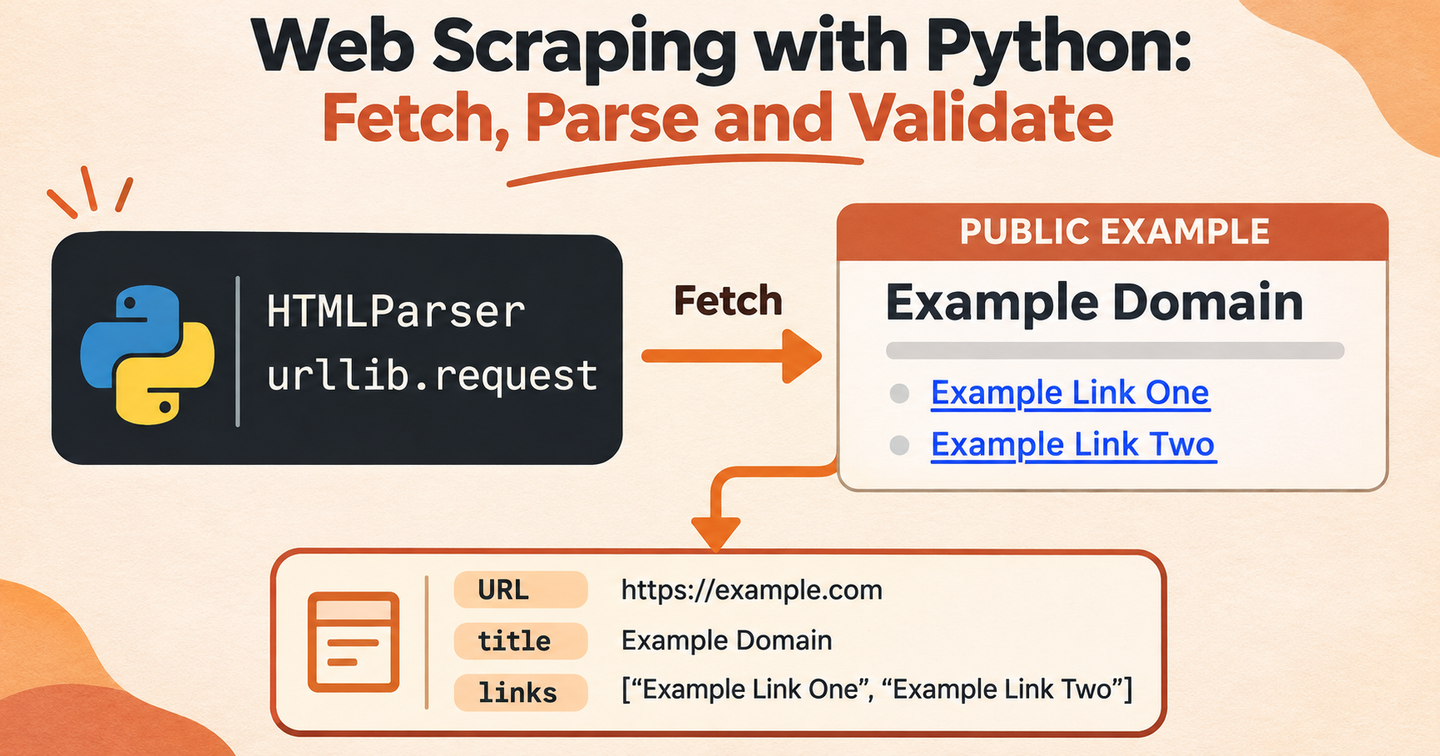
To scrape a web page with Python, define a small permitted target, fetch the HTML, parse the fields you need and validate the output. Begin with one page before adding pagination, storage or scheduled collection.
Define the record first
For this example, each record contains a source URL, page title and a list of ordinary HTTP or HTTPS links. The page is the public example.com demonstration site. The script performs one request and uses Python's standard library.
This is a starting workflow for static HTML. Pages that load their main content through JavaScript require a collection method that actually provides that rendered content.
Fetch and parse one page
Create a local file named scrape_example.py:
import json
from html.parser import HTMLParser
from urllib.parse import urljoin, urlsplit
from urllib.request import Request, urlopen

class PageParser(HTMLParser):
    def __init__(self):
        super().__init__()
        self.in_title = False
        self.title_parts = []
        self.links = []

    def handle_starttag(self, tag, attrs):
        if tag == "title":
            self.in_title = True
        if tag == "a":
            href = dict(attrs).get("href")
            if href:
                self.links.append(href)

    def handle_endtag(self, tag):
        if tag == "title":
            self.in_title = False

    def handle_data(self, data):
        if self.in_title:
            self.title_parts.append(data)

url = "https://example.com/"
request = Request(url, headers={"User-Agent": "ExampleResearch/1.0"})
with urlopen(request, timeout=15) as response:
    content_type = response.headers.get_content_type()
    if content_type != "text/html":
        raise ValueError("Expected an HTML response")
    html = response.read(2_000_001)
    if len(html) > 2_000_000:
        raise ValueError("Response exceeds the example size limit")
    charset = response.headers.get_content_charset() or "utf-8"
    final_url = response.url

parser = PageParser()
parser.feed(html.decode(charset))
links = []
for href in parser.links:
    absolute = urljoin(final_url, href)
    if urlsplit(absolute).scheme in {"http", "https"}:
        links.append(absolute)
record = {
    "url": final_url,
    "title": "".join(parser.title_parts).strip(),
    "links": list(dict.fromkeys(links)),
}
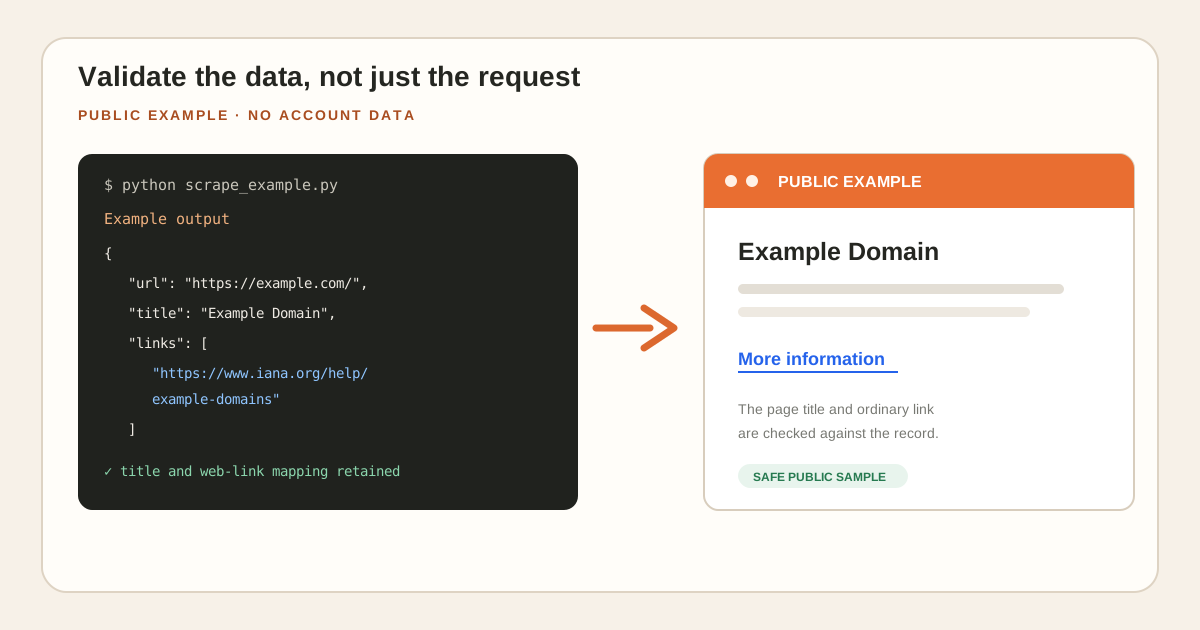
print(json.dumps(record, indent=2))
Run python scrape_example.py. Check that the title and links correspond to the fetched page. A page with no ordinary web links produces an empty links list. A connection failure, unexpected content type or oversized response stops this example instead of silently creating an empty record.
Validate the data, not just the request
Inspect the returned title and source URL. Check whether the links are relevant to the page and whether duplicates have been removed. If the title is empty, investigate the actual HTML rather than filling the field with an assumed value.
| Check | Expected behavior |
|---|---|
| Normal HTML | Extract the page title and valid web links |
| Relative link | Resolve against the final response URL |
| Duplicate link | Keep one occurrence |
| Non-web scheme | Exclude from the web-link list |
| Missing field | Preserve the empty result for review |
| Request failure | Surface the error |
Build a small local test fixture alongside the live demonstration. Include a relative link, the same link twice, a mailto: link, and a title containing accented characters. The relative link should become an absolute HTTP or HTTPS URL, the duplicate should appear once, and the non-web link should be omitted by the example's filter.
Then test a page without a title and a page with no links. Decide how those records enter your review process before collecting more pages. Keep the expected result beside each fixture. When you alter the parser, rerun the fixtures so an improvement for one layout does not silently break another. This is particularly useful when the real website changes while you are developing the extraction logic.
Expand the workflow in controlled steps
For a real project, confirm permitted access and the target's published rules. Set a bounded page scope, request rate and retry policy. Keep request timestamps and failures with the output. Stop and review access errors rather than attempting to evade them.
Add pagination only after the single-page parser works. Track visited URLs to avoid loops. When the layout changes, run a small regression sample before resuming the full collection.
Expand one dimension at a time: first several approved URLs, then another page layout, then the necessary output format. Store the requested URL, final URL, collection time and success or failure outcome with each record. Use a stable record key so a rerun can be compared with an earlier result.
For a ten-page pilot, manually compare two complete records and review every failed or empty record. If one layout consistently loses the main text, fix or isolate that layout before increasing the workload. Set request pacing and retry limits around the target's published requirements and your authorization. Keep the original HTML or supported source output for the pilot so a parsing error can be reproduced without repeatedly requesting the page.
Choose where Arcvenza fits
Use Crawler Console when you want task configuration, status and logs around collection. Inspect the output format before applying your Python transformation. Use the JSON-to-CSV workflow when accepted records need a tabular export.
Keep a reproducible result
Retain the input URL, collection settings and transformation version with the dataset. Compare record counts and key fields between runs. A small, well-defined acceptance sample makes it easier to identify whether a change came from the page, the request or the parser.
FAQ
Does HTMLParser render JavaScript? It parses supplied HTML. It does not run the page's scripts.
Should I retry every failure? Review the cause and the operation's effect. Bound retries for temporary failures and respect access restrictions.
References: Python's HTMLParser and urllib.request documentation.
Continue with the right workflow
Website Crawler Tasks in One Console · Convert JSON to CSV with a Clear Field Mapping · Explore Crawler Console