



















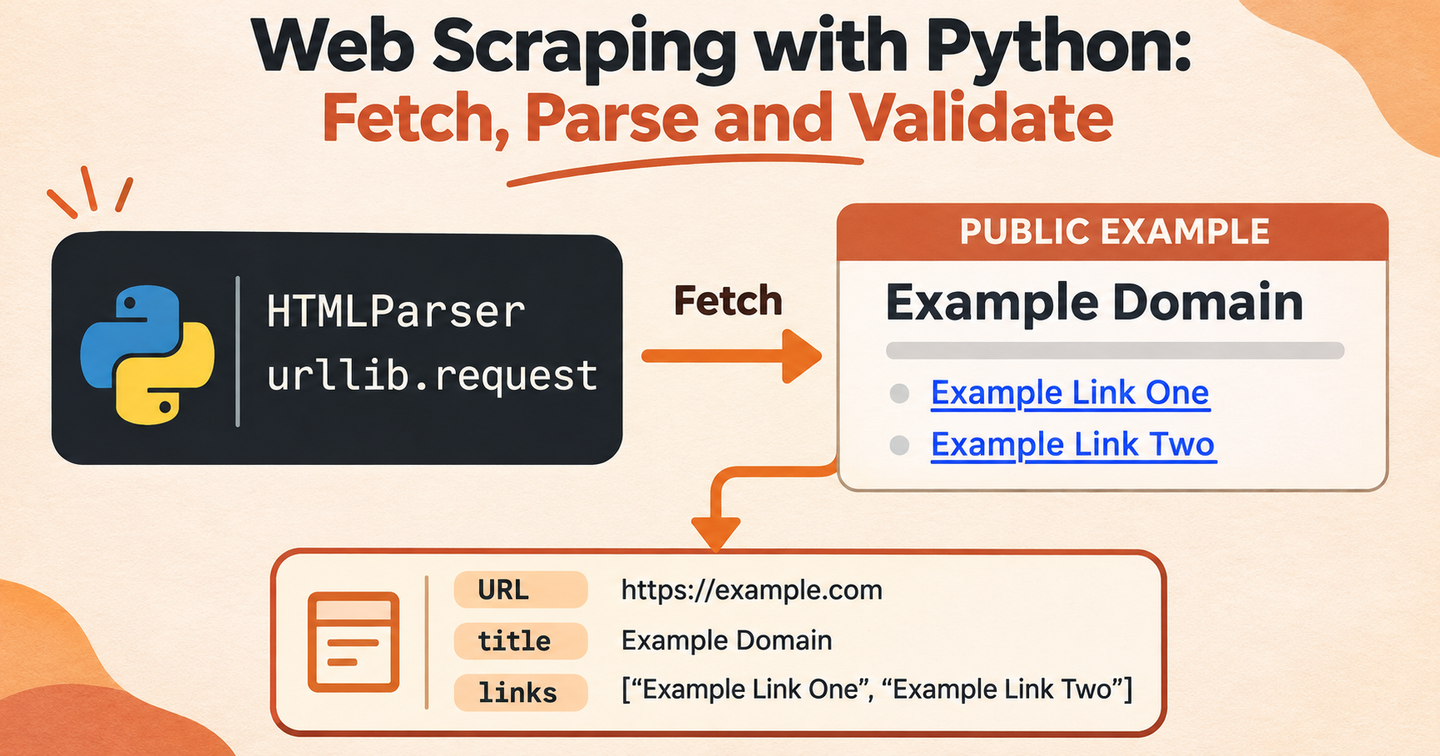
网页数据采集是从公开网页中提取信息,并将其转换为结构化数据的过程。Python 适合作为入门语言:标准库可以处理 HTTP 请求和文本数据,Requests 与 Beautiful Soup 则能让采集代码保持清晰。
本文使用专门为网页采集教程准备的公开练习站 Books to Scrape:https://books.toscrape.com/catalogue/page-1.html。它有 1,000 本演示书籍,分布在 50 页中。我们会采集书名、价格、库存、星级和详情页地址,再进入详情页补充分类、UPC 和简介。该网站的价格和评分是随机生成的,只适合学习,不代表真实商业数据。
开始之前:权限、限制与稳定性
只采集你有权访问和使用的数据。请检查网站条款、robots.txt 指引和适用法律,尊重登录要求、访问频率限制和停止信号;除非有明确合法依据,否则不要收集个人或敏感信息。HTTP 请求成功,并不代表返回数据可以被任意使用。
一个合格的采集程序应当像正常客户端一样工作:使用可识别的 User-Agent,在请求之间留出间隔,设置超时,只对临时性错误重试,并在网站明确拒绝访问时停止。这些做法也会让自己的数据管道更加稳定。
1. 安装依赖
创建虚拟环境并安装 Requests、Beautiful Soup 和 pandas。解析本身不一定需要 pandas,但它适合导出和检查表格数据。
python -m venv .venv
# macOS/Linux: source .venv/bin/activate
# Windows PowerShell: .venv\Scripts\Activate.ps1
pip install requests beautifulsoup4 pandas
2. 先了解网页结构
打开 https://books.toscrape.com/catalogue/page-1.html 检查一个商品卡片。每本书位于 article.product_pod 中;书名和详情链接在 h3 a,价格在 .price_color,库存文字在 .availability,评分通过 star-rating Four 这样的 class 表示。详情页中,分类位于面包屑导航,简介位于 #product_description 后面,UPC 位于 class 为 table-striped 的表格中。
3. 请求并解析单页
列表地址是有规律的:第 1 页是 https://books.toscrape.com/catalogue/page-1.html,第 2 页是 https://books.toscrape.com/catalogue/page-2.html。我们将通过 page 参数生成地址,而不是把目标地址藏在解析器里。下面的函数会请求一个目录页,并提取商品卡片中的五个字段。
from urllib.parse import urljoin

import requests
from bs4 import BeautifulSoup

BASE_URL = "https://books.toscrape.com"
HEADERS = {
    "User-Agent": "ArcvenzaBooksTutorial/1.0"
}


def page_url(page: int) -> str:
    return f"{BASE_URL}/catalogue/page-{page}.html"


def fetch_listing_page(page: int) -> list[dict]:
    response = requests.get(page_url(page), headers=HEADERS, timeout=20)
    response.raise_for_status()

    soup = BeautifulSoup(response.text, "html.parser")
    books = []

    for card in soup.select("article.product_pod"):
        title_link = card.select_one("h3 a")
        price_node = card.select_one(".price_color")
        stock_node = card.select_one(".availability")
        rating_node = card.select_one("p.star-rating")

        if not title_link or not price_node or not stock_node:
            continue

        rating = next(
            (name for name in ("One", "Two", "Three", "Four", "Five")
             if name in rating_node.get("class", [])),
            None,
        )

        books.append({
            "title": title_link.get("title") or title_link.get_text(strip=True),
            "price": price_node.get_text(strip=True),
            "availability": stock_node.get_text(" ", strip=True),
            "rating": rating,
            "url": urljoin(BASE_URL, title_link["href"]),
        })

    return books
get_text(" ", strip=True) 可以清理多余空白并保留可读文本;urljoin() 可以把 /products/1 这样的相对链接转换为完整 URL。让同一个函数返回下一页地址,可以把分页逻辑和 HTML 解析细节分开。
4. 安全地处理分页
采集函数提供了几个真正可调的参数:start_page 选择起始页,max_pages 限制页数,max_items 在达到目标数量后停止,min_rating 按星级筛选。当 start_page=1、max_pages=2 时,程序只请求第 1 和第 2 页;之后还会请求符合条件的详情页,因此同时演示列表页和详情页采集。
from time import sleep


def fetch_detail(book: dict) -> dict:
    response = requests.get(book["url"], headers=HEADERS, timeout=20)
    response.raise_for_status()

    soup = BeautifulSoup(response.text, "html.parser")
    category_links = soup.select("ul.breadcrumb li a")
    description_node = soup.select_one("#product_description + p")
    rating_node = soup.select_one("p.star-rating")
    upc = None

    for row in soup.select("table.table-striped tr"):
        cells = row.select("th, td")
        if len(cells) == 2 and cells[0].get_text(strip=True) == "UPC":
            upc = cells[1].get_text(strip=True)
            break

    return {
        **book,
        "category": category_links[2].get_text(strip=True)
            if len(category_links) > 2 else None,
        "rating": book["rating"] or (
            next(
                (name for name in ("One", "Two", "Three", "Four", "Five")
                 if rating_node and name in rating_node.get("class", [])),
                None,
            )
        ),
        "upc": upc,
        "description": description_node.get_text(" ", strip=True)
            if description_node else None,
    }


def collect_books(
    start_page: int = 1,
    max_pages: int = 2,
    max_items: int = 40,
    min_rating: str | None = None,
) -> list[dict]:
    rating_order = {"One": 1, "Two": 2, "Three": 3, "Four": 4, "Five": 5}
    results = []

    for page in range(start_page, start_page + max_pages):
        for book in fetch_listing_page(page):
            if min_rating and rating_order.get(book["rating"], 0) < rating_order[min_rating]:
                continue

            results.append(fetch_detail(book))
            if len(results) >= max_items:
                return results

            sleep(0.8)

    return results
示例中的间隔比较保守。实际项目应选择网站允许的速率,服务器返回 429 时参考 Retry-After,并加入结构化日志,记录失败页面及原因。
5. 将清洗后的数据保存为 CSV
最终每条数据包含书名、价格、库存、评分、URL、分类、UPC 和简介。我们使用 UPC 作为去重键,因为列表中的书名可能重复或被截断。输出文件是 books_to_scrape.csv,可以用 Excel 打开,也可以重新读入 pandas。
import pandas as pd

books = collect_books(
    start_page=1,
    max_pages=2,
    max_items=40,
    min_rating="Four",
)

frame = pd.DataFrame(books).drop_duplicates(subset=["upc"])
frame.to_csv("books_to_scrape.csv", index=False, encoding="utf-8-sig")

print(f"Saved {len(frame)} books to books_to_scrape.csv")
常见问题与处理方法
Books to Scrape 是静态练习目录,因此 Requests 得到的 HTML 应该包含这些字段。如果结果为空,可以打印 response.url 并保存 response.text 检查实际页面。换成 JavaScript 渲染的真实商城后,这个解析器就不够用了;应先确认有权使用的数据来源或浏览器渲染流程。不要用本教程绕过访问控制。
如果 HTML 中没有商品数据但浏览器显示了商品,页面可能通过客户端 API 加载内容。先确认该 API 是否有文档,以及你是否被允许使用它。即使使用 API,也必须遵守身份验证、速率限制、服务条款和数据最小化原则。
可维护采集程序检查清单
把选择器放在解析器附近,并使用有意义的变量名。每个网络请求都设置超时,记录状态码和页面 URL。开发时缓存响应,避免反复请求同一页面。使用保存下来的 HTML 编写小型 fixture 测试,因为网站结构会变化,解析器也可能在不报错的情况下失效。
生产任务应把目录 URL 模板、选择器和字段名集中管理。使用保存下来的 Books to Scrape HTML 编写 fixture 测试,校验价格和 UPC 是否存在,并记录每次失败的页码。该演示站有 1,000 条记录,无限制运行会请求大量详情页,所以应从 max_items=40 开始,再有计划地扩大范围。
结语
完整的网页采集流程不只是一个 CSS 选择器。Python 可以帮助你清晰地完成请求、字段解析、分页和 CSV 导出;合理的限制与校验则决定结果是否可靠。先从一个获准访问的页面开始,确认解析结果正确后,再逐步扩大任务范围。